
A Binary Lookup algorithm is much like the Secure Lookup algorithm but is used when entire files are stored in a specific column. This algorithm replaces objects that appear in object columns. For example, if a bank has an object column that stores images of checks, you can use a Binary Lookup algorithm to mask those images. The Delphix Engine cannot change data within images themselves, such as the names on X-rays or driver’s licenses. However, you can replace all such images with a new, fictional image. This fictional image is provided by the owner of the original data.
Creating a Binary Lookup algorithm via UI
-
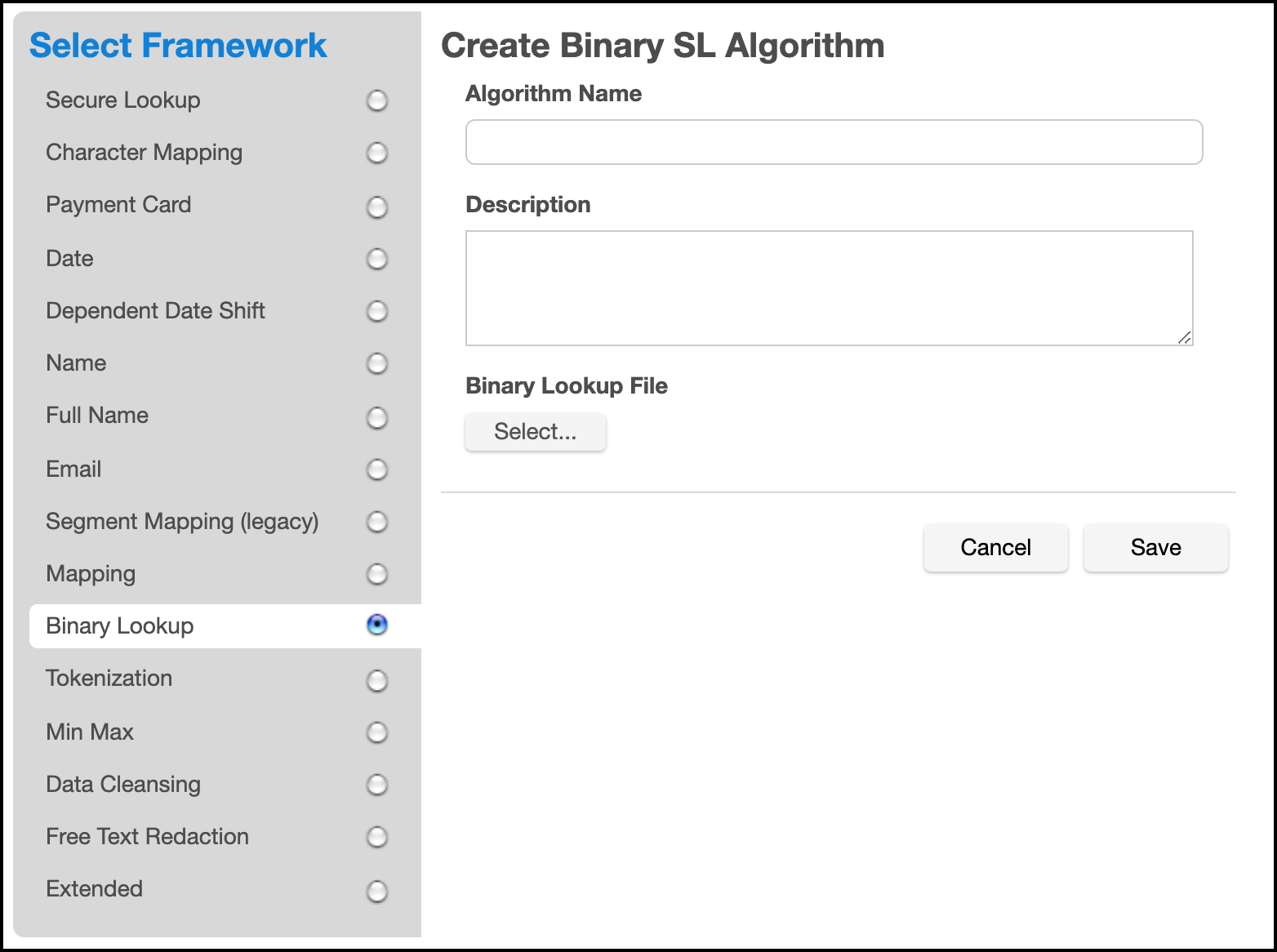
At the top right of the Algorithm tab, click Add Algorithm.
-
Select Binary Lookup Algorithm. The Create Binary SL Algorithm pane appears.
-
Enter an Algorithm Name.
Info: This MUST be unique.
-
Enter a Description.
-
Select a Binary Lookup File on your filesystem. A maximum of 50 Lookup Files can be selected.
-
Click Save.
For information on creating Binary Lookup algorithms through the API, see API Calls for Creating Algorithms - Binary Lookup.