
You can now configure the masking engine to mask the complete file and pass the content of that file as a single input to an algorithm.
Pre-requisite
-
You must create a fixed-width file connector. For more information on creating connectors, see Managing connectors.
-
You must create a fixed-width file format that has only one field defined in it. For more information on creating file formats, see Managing file formats.
Masking a whole file
Perform the following procedure to mask a whole file.
-
Navigate to Environments > Ruleset.
-
On the Rule Set screen, click the Edit icon to the right of the fixed-width connector rule set. Alternatively, click on the fixed-width connector name. The rule set screen displays all the files in the directory that are associated with the respective connector.
-
Click the Edit icon to the right of the file or pattern name. The Edit File screen appears.
-
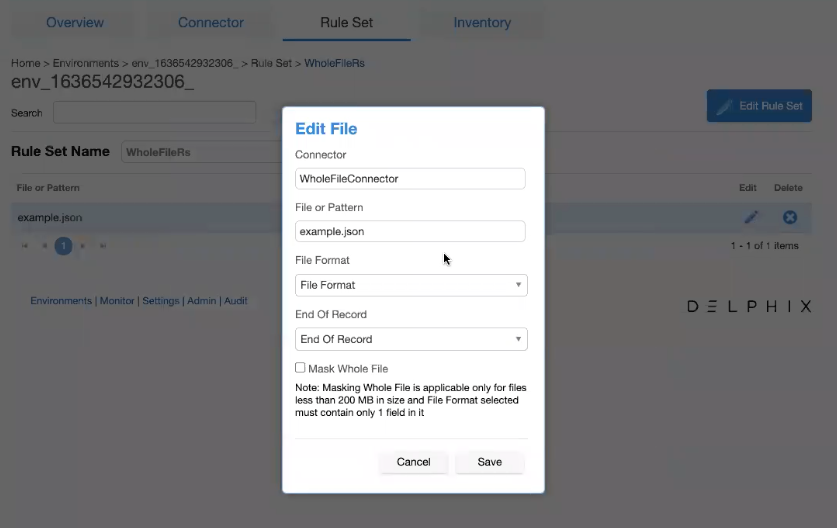
From the File Format drop-down list, select a file format that has only one field defined in it. Selecting any other file format will result in an error.
-
Select the Mask whole file checkbox to enable whole file masking.
Selecting this option results in the disappearance of other options (End of Record, Delimited, Enclosure, and Escape Character for Enclosure). These configurations are no more required as the masking engine will now read the whole file and send it to the algorithm.Note
Masking the whole file is applicable only for:-
Files that are less than 200 MB in size. However, you can modify this limit via API by configuring Whole File Masking Max File Size In MB key in the Application Settings.
-
The file format that has only one field defined in it.
-
-
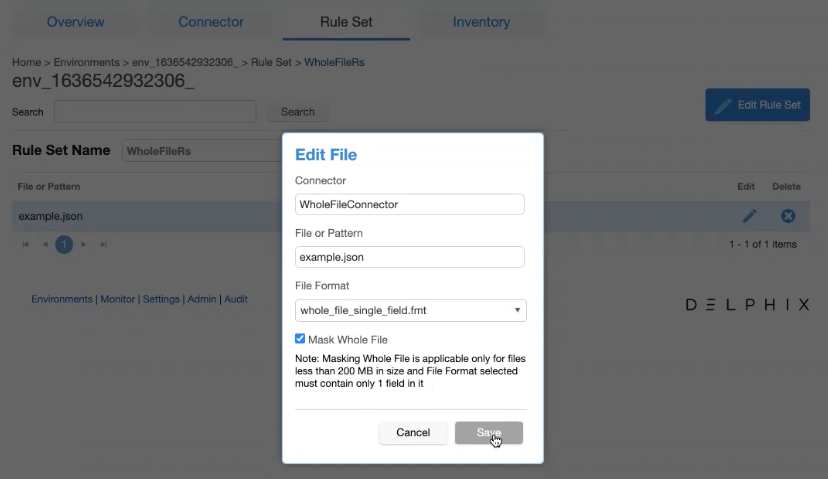
Click Save.
-
Navigate to Environments > Inventory. The Record Types, Define Fields, and Delete options are greyed-out when you select a file format that is used with any fixed-width file having Mask whole file option enabled.
-
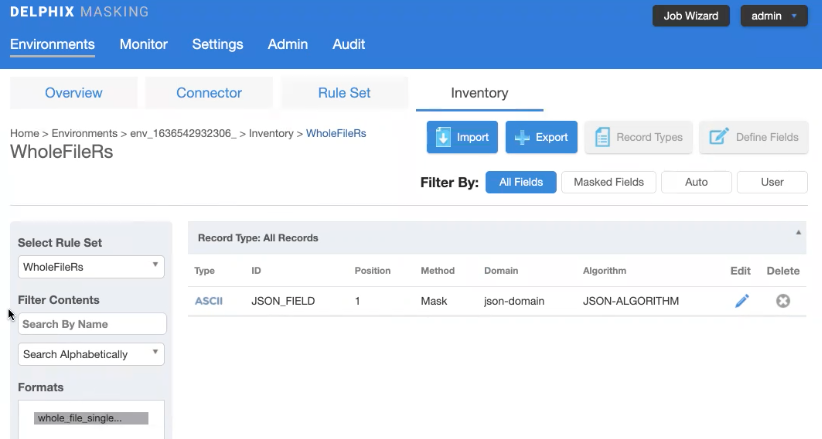
Click the Edit icon to the right of the record type.
-
From the Algorithm drop-down list, select the matching extended algorithms that must be applied to the file.
Note: You can not modify/update the length and position for the single field defined in the respective file format if you enable the Mask whole file option in the rule set screen.
-
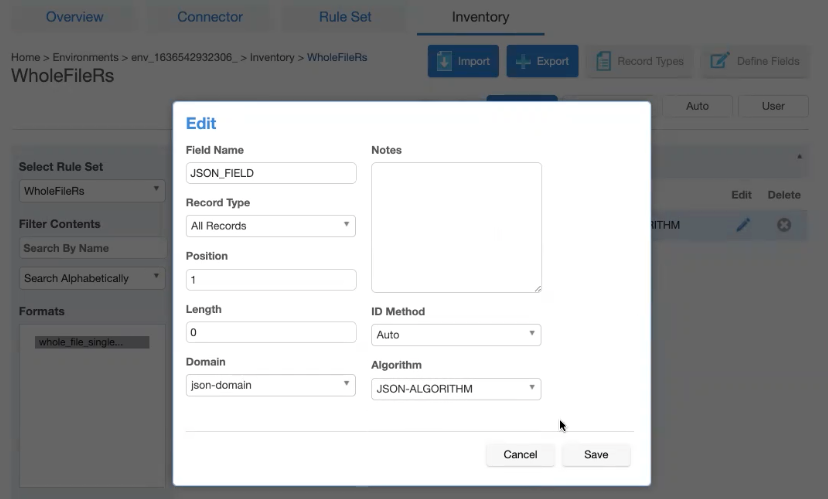
Click Save.