Delimited files
To import the file format for a delimited file, create a text document with the field names listed one per line describing the structure of the file to Delphix. The screenshot below shows the contents of an example delimited file format.
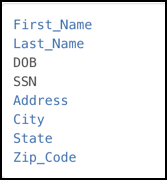
Notice there is no header and only a list of values.
Delimited file mismatch between format and data
Suppose the following delimited file format is being used, where the delimiting character on input is ,.
FieldOne
FiledTwo
FiledThree
If the input data does not match the format:
-
Input Field Count < Format Field Count
After masking, delimiters will be appended to match the total fields with file format. For example:-
Input data: Data1, Data2
-
Result after masking: Masked1, Masked2,
-
Note, one extra delimiter is added to match with the file format.
-
-
-
Data Field Count > Format Field Count
After masking, the extra fields in the delimited file will be lost. For example:-
Input data: Data1, Data2, Data3, Data4
-
Result after masking: Masked1, Masked2, Masked3
-
Fixed-width files
For fixed-width files, import a text file that describes the structure of the file to Delphix Continuous Compliance.
To input the file format for fixed-width files, create a text document with the field names and the length of each field, one combination per line. The screenshot below shows an example of content for fixed-width formats. In this format, the field name is followed by the length of the field, separated by a comma.
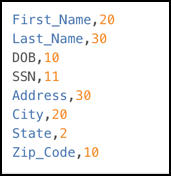
Note, there is no header – only a list of values.
Fixed-width file mismatch between format and data
For fixed-width files, caution should be taken to ensure that the field length is accurate. An incorrect field length will result in masking a field with the incorrect offset, which would have the consequence of not masking what was intended.
Multi-byte characters
For fixed-width files, field length is determined by the number of characters, rather than the number of bytes.
XML files
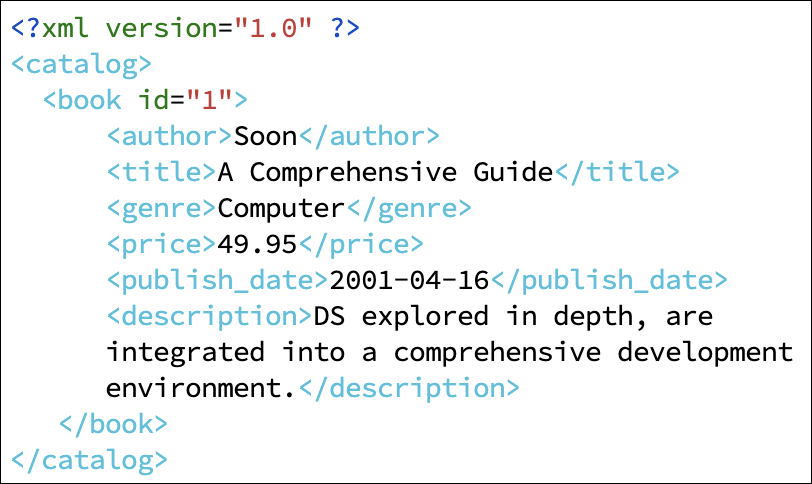
For XML file formats, you can use the data file itself or a subset of the file you want to mask as the format.
JSON files
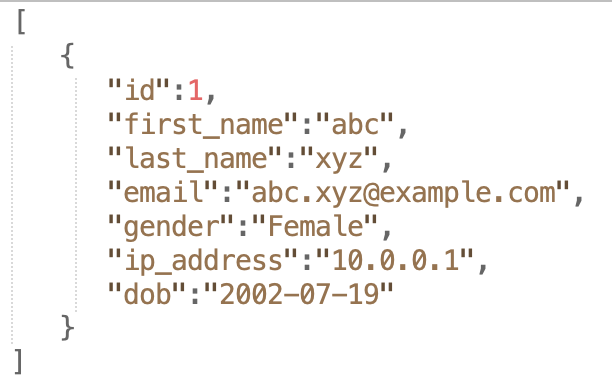
For JSON file formats, you can use the data file itself or a subset of the file you want to mask as the format.
Mainframe files
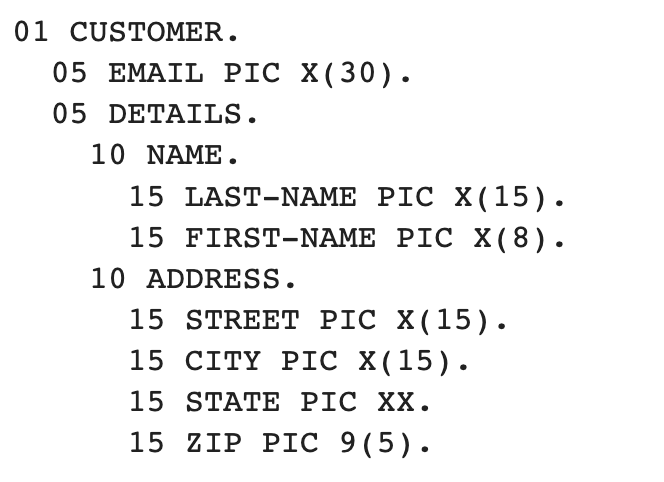
For Mainframe files, you can use the copybook file as the format.