
This section describes how users can run a profiling job from the Environment Overview screen.
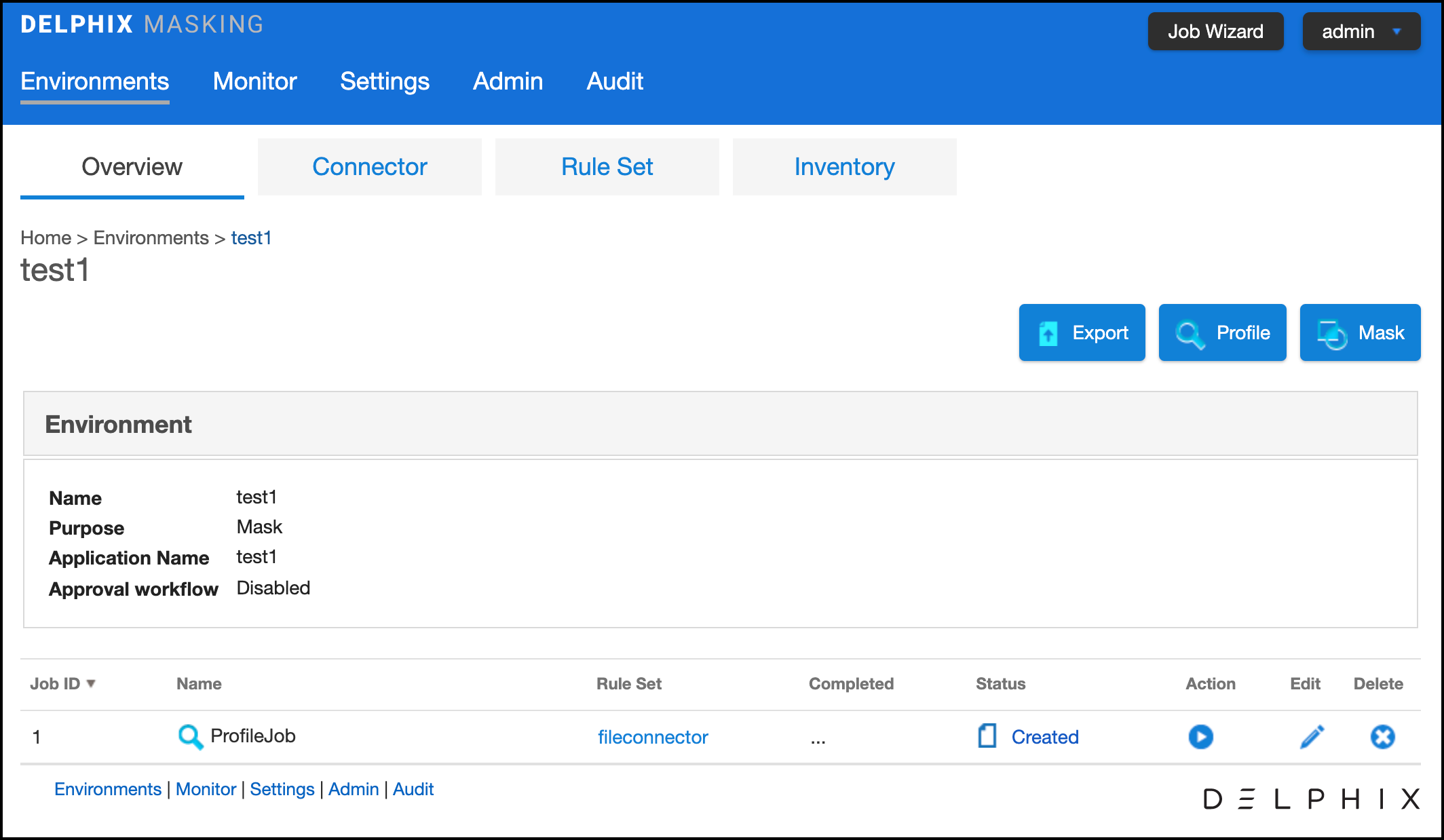
To run or rerun a job from the Environment Overview screen:
-
Click the Run icon (play icon) in the Action column for the desired job.
-
The Run icon changes to a Stop icon while the job is running.
-
When the job is complete, the Status changes.
To stop a running job from the Environment Overview screen:
-
Locate the job you want to stop.
-
In the job's Action column, click the Stop icon.
-
A popup appears asking, "Are you sure you want to stop job?" Click OK.
When the job has been stopped, its status changes.